![PBNlogo no background.svg]](https://support.practicenumbers.com/hubfs/PBNlogo%20no%20background.svg)
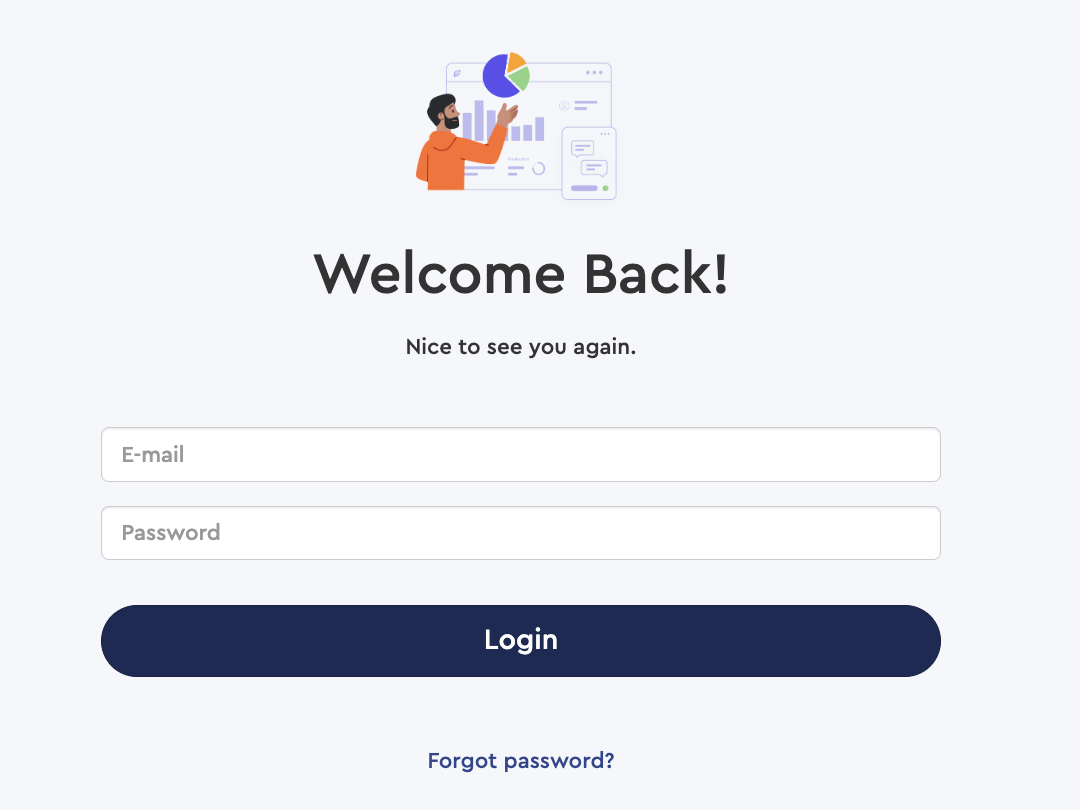
Login to your Practice by Numbers account at https://app.practicenumbers.com/
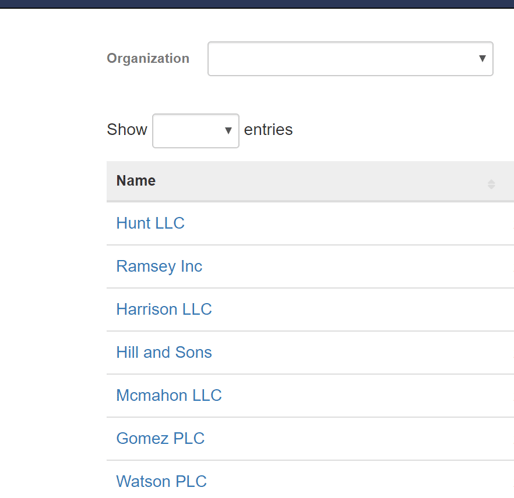
Once logged in, select the practice to which that user belongs. If the user exists in multiple practices, select any practice.
Click on Practice Settings and Select User Accounts
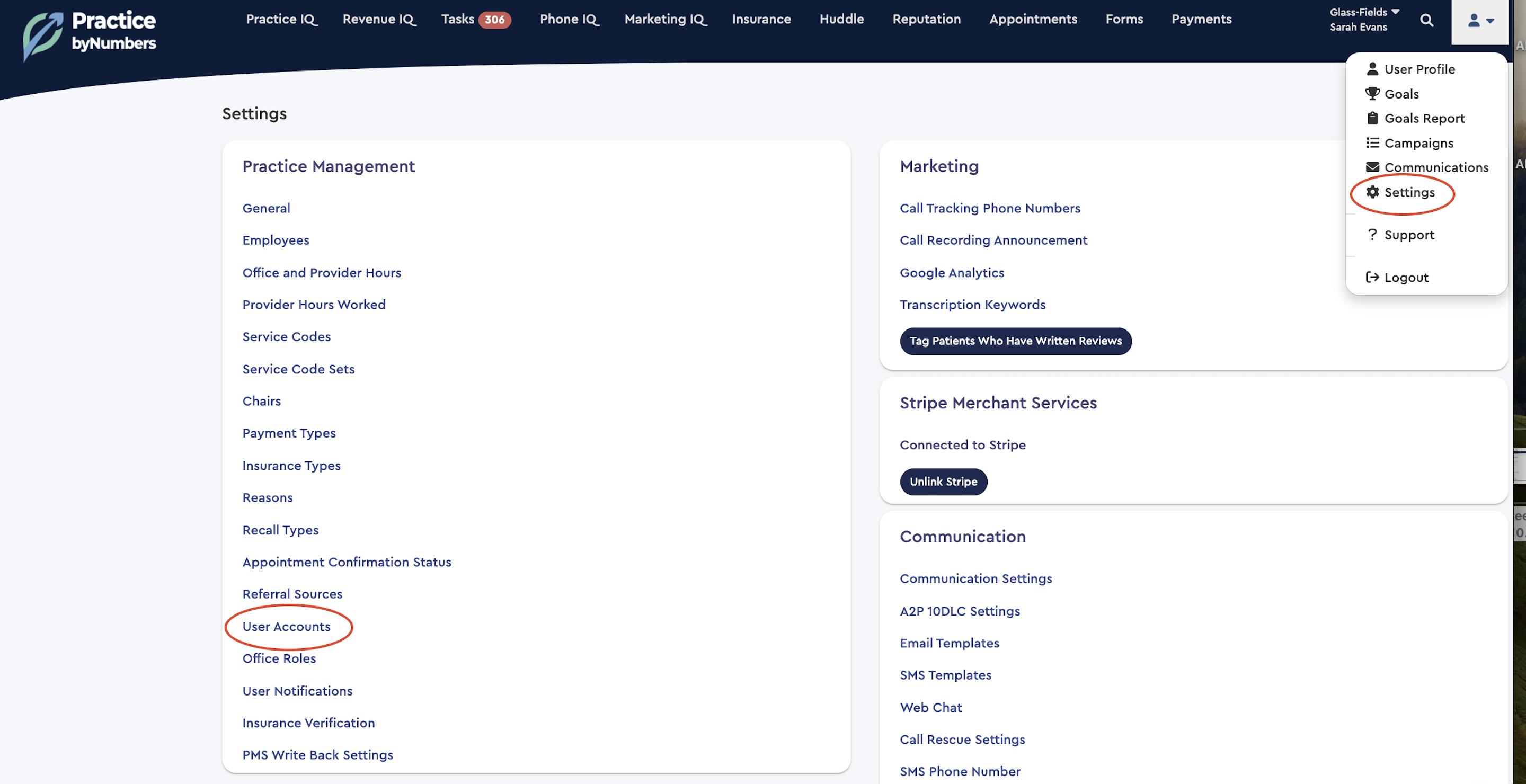
-
Click on reset password for the user whose password needs to be reset
-
Text them or personally provide them with the practice code word listed at the top of this page.
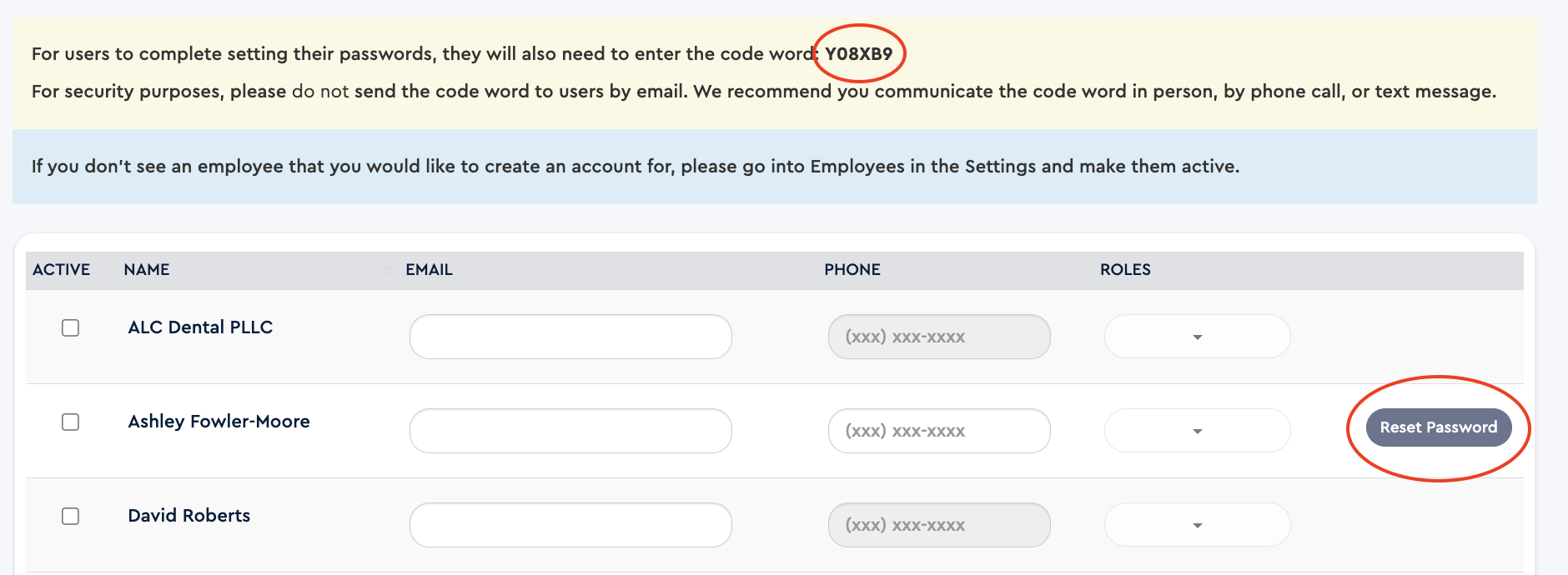
They will then receive a password reset email, which will be valid for 3 days. They will need the practice codeword to reset their password.